
Define one successful visit
Write a sentence describing the intended reader and action: a potential client reads the service outline and opens a booking page, or a reader finds an article and downloads its worksheet. Use that sentence to remove competing buttons. A first launch rarely needs every feature shown in a template.
This is an editorial checklist supported by builder documentation, not a certification of a live site. Leave every result blank until you perform the check. A preview that looks correct is not evidence that a form delivers messages or a payment reaches the right account.
Replace every placeholder
Search the page for example names, dummy prices, unfinished links, and stock testimonials. Only publish statements you can support. If you have no client results, explain the service and process directly instead of inventing social proof. Check the browser title and share description as well as the large headline.
Read the page from the visitor's perspective. Is the scope clear? Can someone tell whether the service is for them? If a price is provisional, say so. For a portfolio, label concept work honestly and distinguish your contribution from a team project.
Check the whole action path
Carrd's plan comparison puts forms and custom domains in Pro Standard. Framer's pricing distinguishes its free domain from paid custom-domain use. Confirm the feature your chosen path needs before promising that the site is ready. A decorative email address or a button without a real destination is not a working contact channel.
| Check | What to record |
|---|---|
| Primary button | Exact destination and expected next screen |
| Contact form | Submission result and message received |
| Download | File opens and matches its description |
| Mobile view | Text fits; controls remain reachable |
| Keyboard | Links and controls can be reached and activated |
Keep ownership understandable
Record who controls the builder account, registrar, DNS, and receiving mailbox. Use your own recovery details for a personal business site. Keep copies of original text, images, and downloadable files in a folder you control. That folder is useful even if the builder has an export feature.
Before changing DNS, record the existing entries and their purpose. Website and email records can coexist; replacing one service should not accidentally erase another. Follow the chosen provider's current instructions rather than copying a stranger's values from a tutorial.
Launch a small version you can maintain
Choose a review date and a short list of fixes that would actually matter to visitors. A broken booking link outranks decorative animation. Invite a trusted reader to describe what the page offers without prompting them. Treat that as qualitative feedback, not proof of market demand.
The worksheet separates planned checks from observed results. Write the date and evidence for each completed row. Keep unfinished items visible, and do not convert a checklist into a claim that the builder guarantees accessibility, search rankings, or conversions.
Compare your options
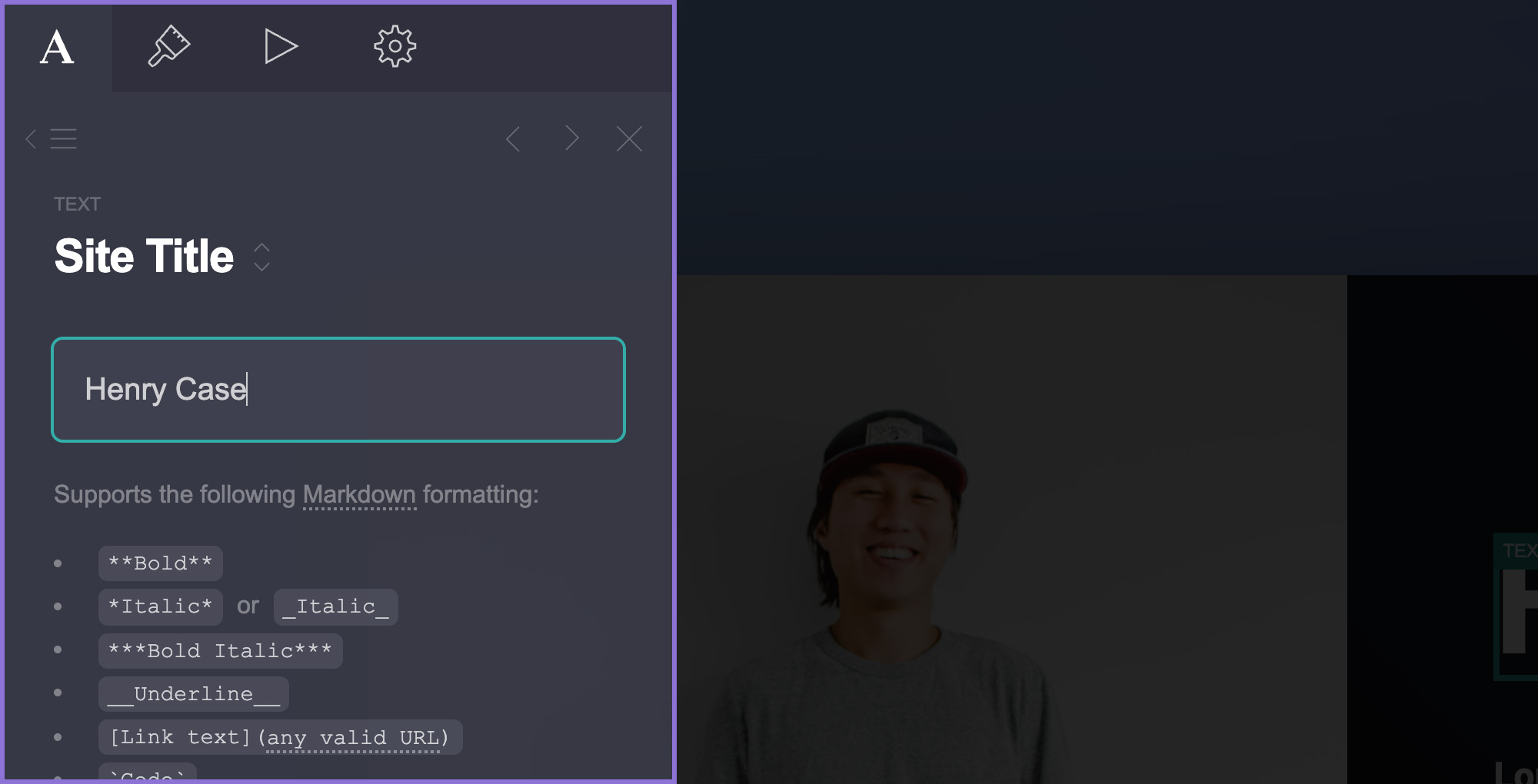
Carrd
Investigate for a focused landing page, portfolio, or service introduction.
Free start; Pro Standard $19/year
Pro Lite lacks custom domains and forms. Registration and external services may cost extra.
Affiliate link: we may earn a commission on an eligible purchase. Link disclosure
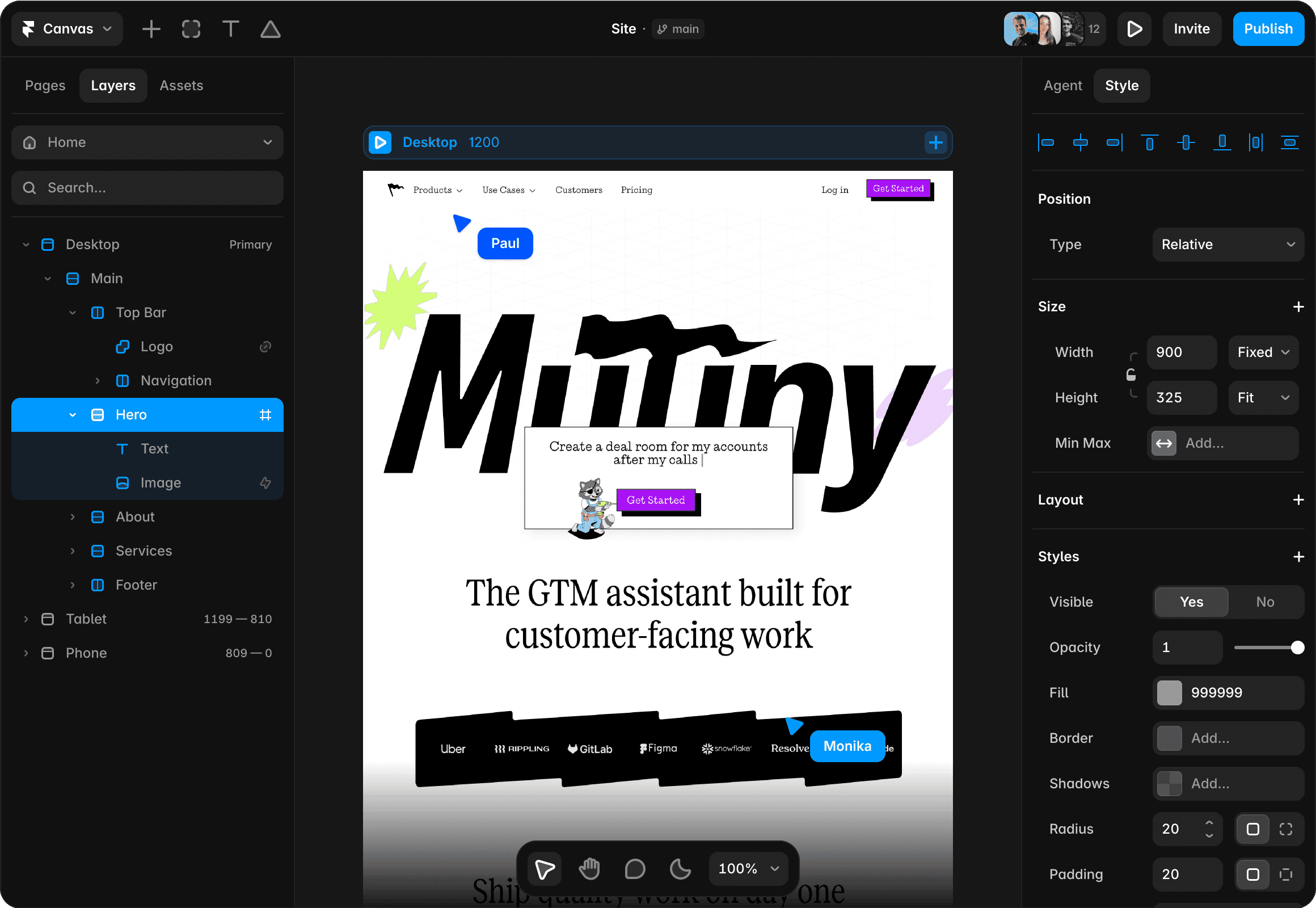
Framer
Investigate for a visual website with separate pages and structured content.
Free plan; Basic $10/month displayed on yearly billing ($120/year)
Annual payment exceeds a strict $50 monthly cash cap. Add-ons and editor seats can add cost.
Ordinary provider link. No affiliate partnership claimed. Link disclosure
Questions before you decide
Must I buy a custom domain before evaluating the site?
No. Framer documents a free Framer domain, and Carrd offers a free starting point. Use the available preview or free publishing path to evaluate the content. A custom domain is a separate decision before your intended public launch.
Does publishing mean Google will rank the page?
No. Publishing makes a page available; indexing and ranking are separate. First verify the actual page, its title, internal links, and intended indexing settings. Do not promise search traffic based on a successful publish button.
Sources & verification
Product details and prices can change. Check the linked provider before buying.
- Carrd Pro plan comparison Accessed 2026-09-13
- Framer pricing Accessed 2026-09-13
- Google Search technical requirements Accessed 2026-09-13
Sources link directly to providers. Product buttons may use separately labeled affiliate links. Read our disclosure.