
Write the job before opening the editor
Imagine a freelance tutor who needs a short introduction, three service descriptions, and a booking link. That is a different assignment from a publication that will add a new article every week. Our recommendation is to write the required pages and visitor action first, then compare builders against that list. Neither a polished template nor an affiliate commission establishes the right fit.
This is a documentation-based comparison. We have not built and timed the same site in both products. The practical exercises below are proposed evaluation steps, not a report of completed tests. Use your own material rather than treating demo copy as evidence that your project will fit.
Compare the relevant plan, not the cheapest badge
Carrd Pro Lite is $9 per year but does not list custom domains or forms. Comparing that tier with a custom-domain Framer site would hide an important difference. A domain name and ordinary email are separate purchasing decisions. Framer's displayed annual monthly equivalent is not permission to spend only that amount at checkout.
| Candidate | Documented starting point | Decision to make |
|---|---|---|
| Carrd Pro Standard | $19 per year; custom domains and forms | Does a compact site cover the job? |
| Framer Free | Framer domain; 1 GB bandwidth | Can you validate the design before upgrading? |
| Framer Basic | $10/month on yearly billing; 2 CMS collections | Do structured content and separate pages justify the commitment? |
Give each candidate the same small assignment
Draft your real headline, a paragraph explaining the service, one representative project, and a contact action. View the result on a narrow phone screen. Try editing the longest heading and replacing the picture. The useful question is whether you can keep the page clear after real content replaces the template.
For a publication, outline the next five entries. Decide which information repeats: date, topic, summary, and main article text. A content system earns its complexity when that repetition is useful. For a single service page, a manually maintained layout may be perfectly adequate. Record friction instead of guessing which editor is faster.
Choose a stopping point
Finish the free evaluation with one decision: continue, simplify, or reject. Name the specific paid feature you need and the actual invoice. Do not purchase both subscriptions merely to postpone choosing. Keep your text and original images outside the editor so a later change of direction does not require reconstructing your work.
- Check the live form or booking destination separately from its appearance.
- Keep the first version small enough to update without specialist help.
- Revisit the choice only when a real requirement changes.
Watch demos / Official walkthroughs
See how the tools work.
Videos load from YouTube only when you press play. These are provider videos, not our own product tests.
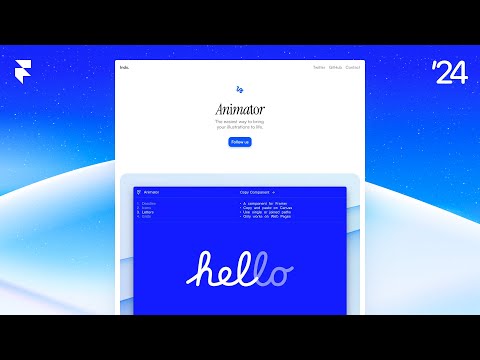
Framer / Official video
Framer Tutorial: Make A Site From Scratch
What to look for: Follow page construction and editing, then compare those steps with your own site requirements.
Watch on YouTubeCompare your options
Carrd
Investigate for a focused landing page, portfolio, or service introduction.
Free start; Pro Standard $19/year
Pro Lite lacks custom domains and forms. Registration and external services may cost extra.
Affiliate link: we may earn a commission on an eligible purchase. Link disclosure
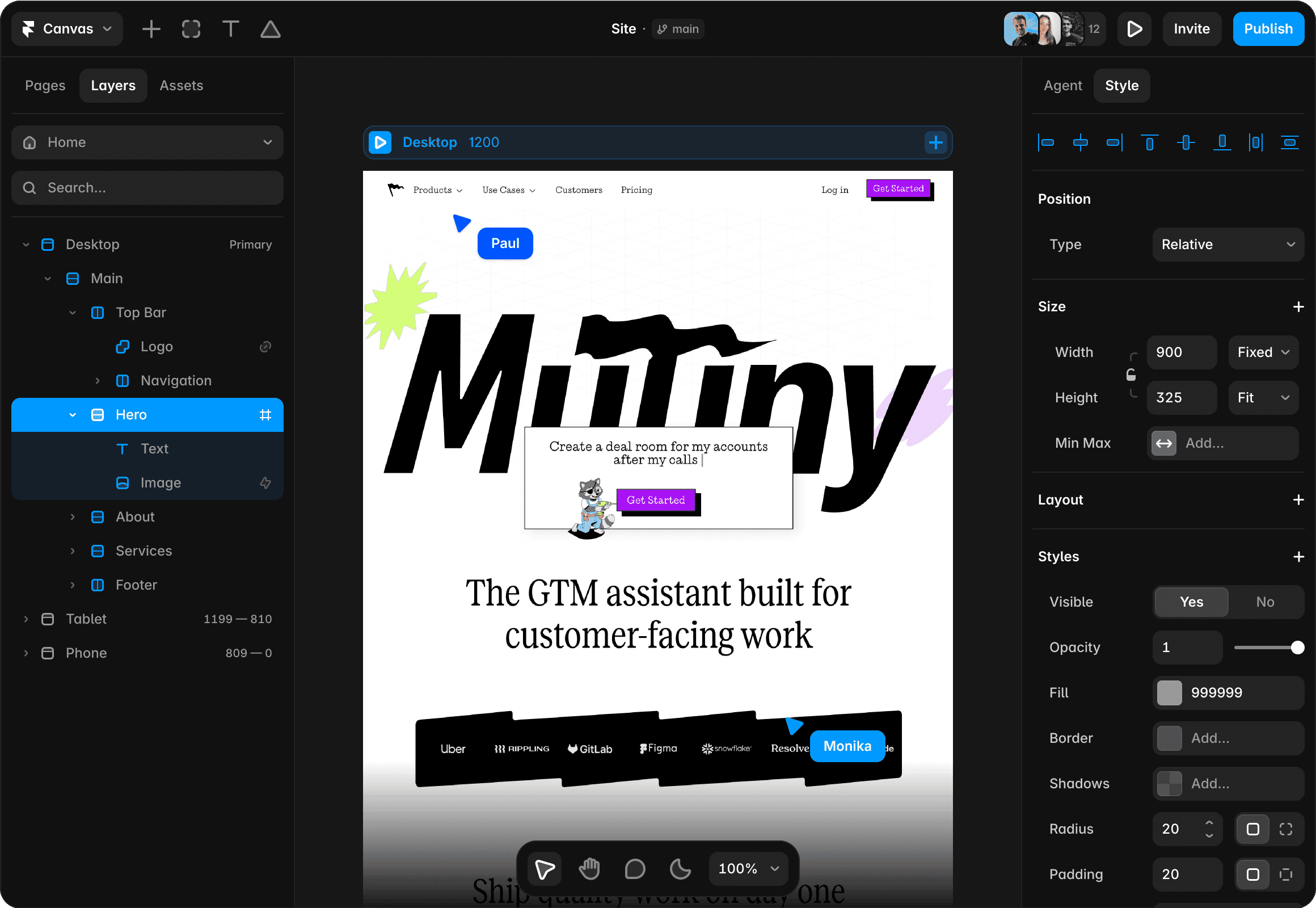
Framer
Investigate for a visual website with separate pages and structured content.
Free plan; Basic $10/month displayed on yearly billing ($120/year)
Annual payment exceeds a strict $50 monthly cash cap. Add-ons and editor seats can add cost.
Ordinary provider link. No affiliate partnership claimed. Link disclosure
Questions before you decide
Can Carrd's cheapest paid tier connect my domain?
The current comparison lists custom domains under Pro Standard, at $19 per year, rather than Pro Lite. Check that exact feature before choosing a plan.
Is Framer Basic really a $10 monthly invoice?
The inspected pricing view labels that figure yearly billing. At $10 per month the annual equivalent is $120 before tax; verify the billing selector and final invoice. Do not treat it as a confirmed month-to-month quote.
Sources & verification
Product details and prices can change. Check the linked provider before buying.
- Carrd Pro plan comparison Accessed 2026-09-13
- Framer pricing Accessed 2026-09-13
Sources link directly to providers. Product buttons may use separately labeled affiliate links. Read our disclosure.